Let Wuber do the work
for you.
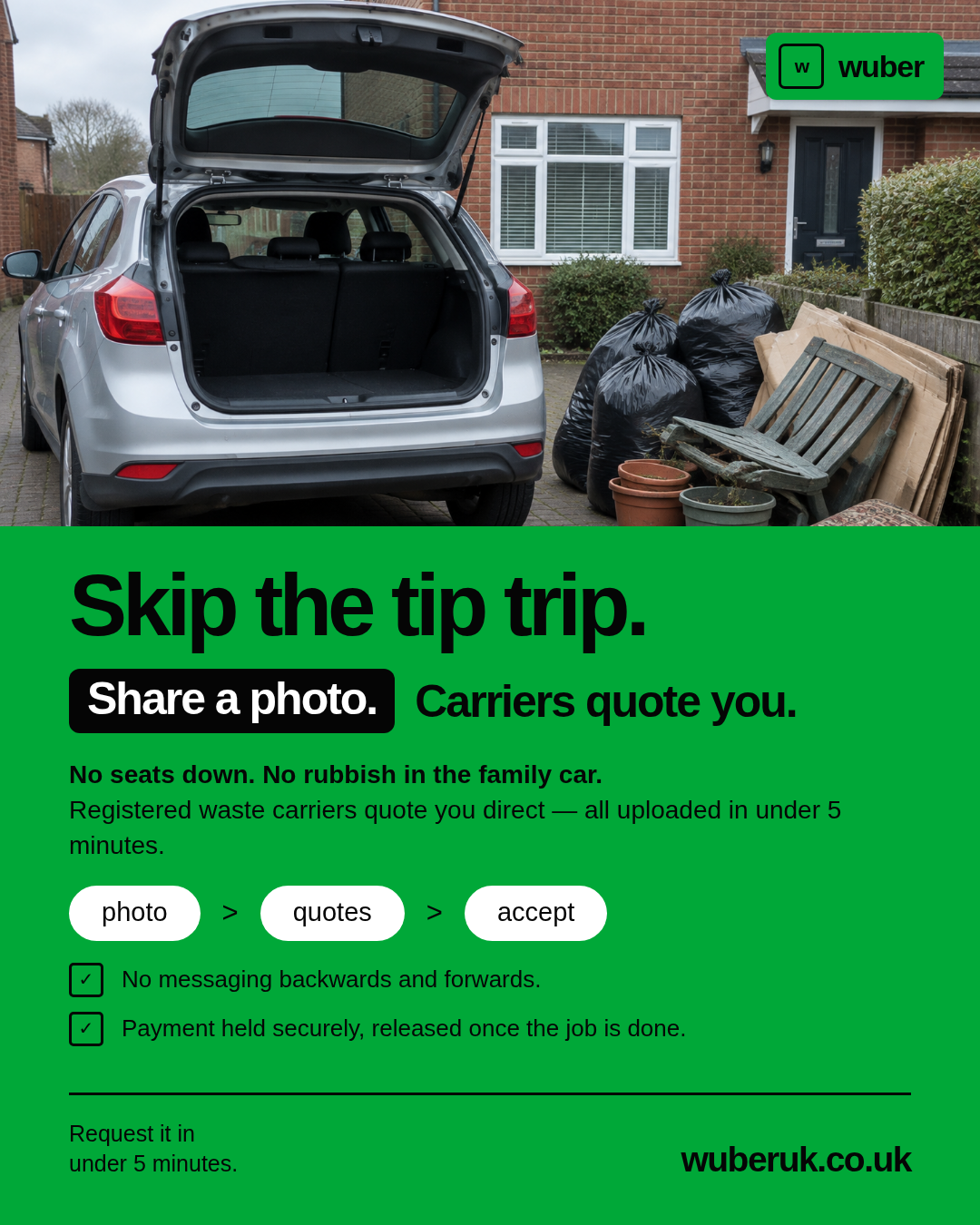
Upload your photos, get free quotes, book your waste removal. No app or account needed. Your payment is held until the collection is done and you confirm it.
Wuber is a licensed waste broker. Registered upper tier waste broker/dealer — Environment Agency registration no. CBDL654903. Carriers are checked and approved before they can quote your collection.
Three easy steps to remove your waste.
Describe your waste
Open the Wuber app and tell us what you're clearing — household, garden, renovation, or commercial. Add photos so we can size the load accurately.
We dispatch a collector
A registered waste collector in your area accepts the job. You'll see who's coming, when they'll arrive, and their license details in the app.
Track them live
Once you've agreed a price and collection time with the waste carrier, you can track them live from the app right up to your door. Your waste will be deposited at a registered waste receiver, and once the waste is collected payment will be made to the waste carrier.
Payment held safely.
When you accept a quote, your payment is held securely. It's released once the job is done and you confirm it. The carrier is only paid after that.
- Licensed waste carriers only
- Disposed at a registered waste receiver
For carriers
A steady feed of pre-qualified jobs in your area. Quote in one tap. Customer pays once waste has been collected.
Join as a carrierAdd Wuber to your phone
No waiting for the app stores — add Wuber to your home screen today and it works just like an app. Same account, same jobs: photograph your waste, get quotes from local carriers and follow the job to your door.
Free — no app store download needed.
iPhone
- Open wuberuk.co.uk in Safari
- Tap the Share button
- Choose Add to Home Screen
- Tap Add
Android
- Open wuberuk.co.uk in Chrome
- Tap the menu ⋮
- Choose Add to Home screen
Or tap the “Keep Wuber on your home screen” card when it appears.
Scan with your phone camera
Opens wuberuk.co.uk — swaps to the app store link at launch